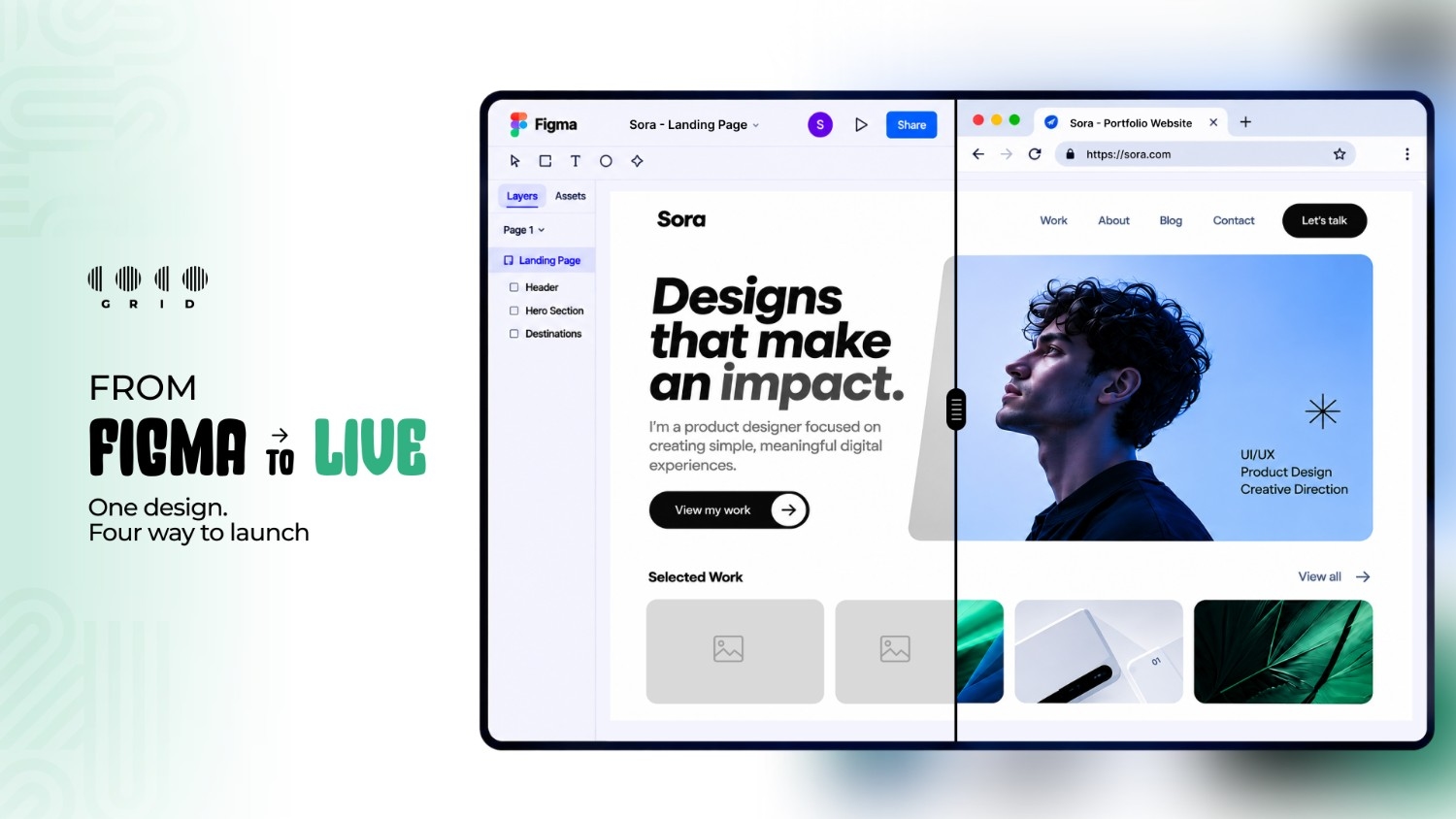
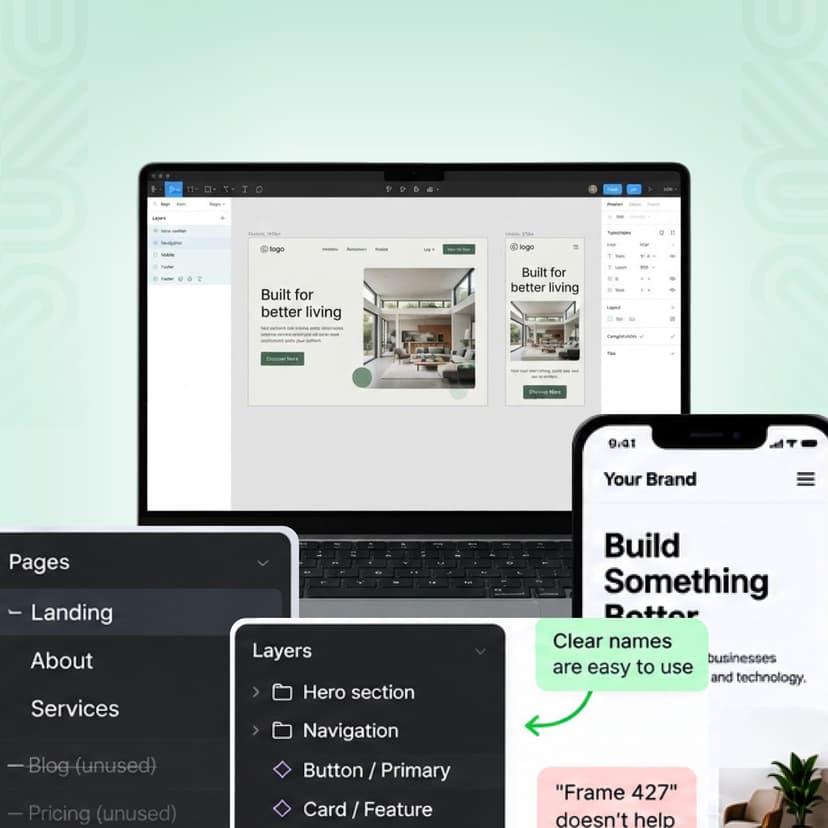
You've found the perfect Figma template, customised it with your content, and it looks great. Now what? A Figma file is a design, not a website. To get it online, you need to rebuild it in a tool that publishes web pages, or have someone build it for you.Here are the four main ways to do that, who each one suits, and a checklist so nothing gets missed at launch.
Way 1: Framer (fastest no-code route)
Framer is a website builder popular with designers. Its official plugin lets you
copy layers from Figma and paste them onto the Framer canvas, where they stay editable.
- Best for: portfolios, landing pages and small business sites
- How it works: install the "Figma to HTML with Framer" plugin, select a section in Figma, run the plugin, then paste into Framer
- Good to know: import a section at a time rather than a whole page. Framer can't bring over custom fonts, so you'll swap in a Google or uploaded font after importing.
- After importing: set up the tablet and mobile breakpoints, add links and forms, then publish
Way 2: Webflow (more control, great for growing sites)
Webflow gives you fine control over layout, plus a built-in CMS for blogs, packages or case studies. Its
Figma to Webflow plugin and app can sync layers, variables and styles from Figma into a Webflow project.
- Best for: sites that will grow, like a blog, travel packages or a team that edits content often
- How it works: run the plugin in Figma to sync, then use the Figma to Webflow app inside the Webflow Designer to import
- Good to know: it works best with clean auto-layout and simple components. Complex sections often still need adjusting by hand.
- After importing: build CMS collections for repeating content, set up forms and publish
Way 3: Hand it to a developer (code or WordPress)
A developer can build the site from your Figma file in code (HTML/CSS, React or Next.js) or as a WordPress theme. This is the most flexible route.
- Best for: sites that need bookings, payments, logins, integrations or top performance
- What to share: the Figma file with edit access, all images and logos, your fonts, and a list of what each button and form should do
- Good to know: a well-built template with auto-layout, components and shared styles makes development faster, because spacing and type are already consistent
Way 4: Have Coco Grid build it for you
Don't want to learn a new tool or hire separately? Coco Grid is a development team as well as a template studio. We can turn any of our templates into a live, mobile-friendly website with your content, domain, contact forms and WhatsApp button set up.
- Best for: business owners who want a professional site without doing it themselves
- What you provide: your logo, photos, text (or rough notes we can polish) and domain details
Ask Coco Grid to build your site → Contact Us - CG Marketplace | Professional Figma TemplatesStart with a template that's built to be built
The easiest website to launch is one that was designed with development in mind. Coco Grid templates are made by a team that builds websites every day, so they're ready for Framer, Webflow or a developer.
Browse Coco Grid templates →