You are currently browsing in offline mode.

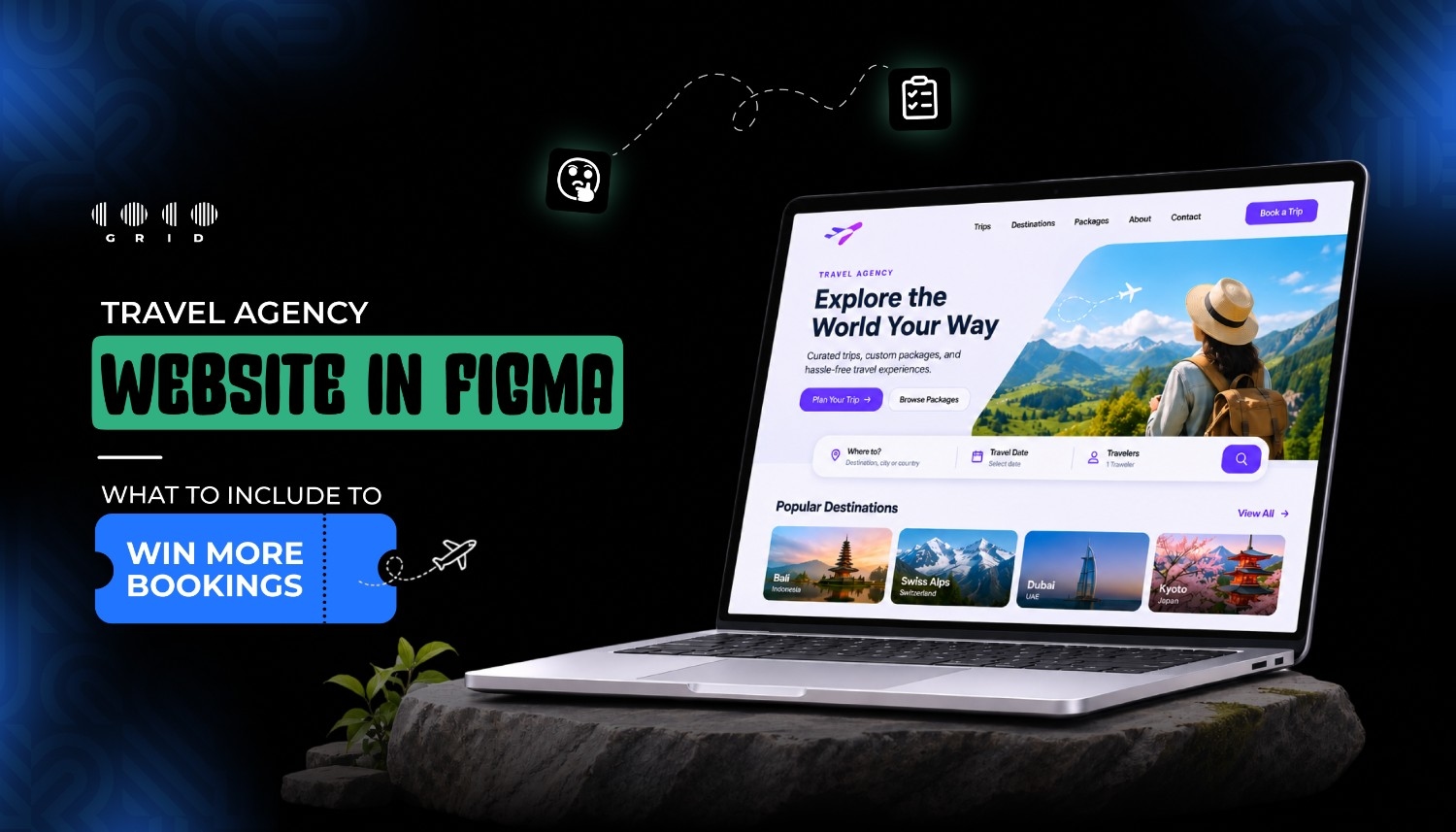
Travel Agency Website in Figma: What to Include to Win More Bookings

6 min read

 . 

By Admin

Travel agency website Figma template: what to include to win more bookings
Travellers often pay an agency they've never met in person, sometimes lakhs of rupees in advance. Before they do, most of them look the agency up online. A clear, professional website is often what turns that search into a booking, and a missing or outdated one sends them to a competitor.Here's what every travel agency or tour operator website needs, page by page, the features that turn visitors into enquiries, and a ready Figma template to start from.

The pages every travel agency website needs

1. Home. Show who you are and where you take people in the first screen: your top destinations, 3–4 featured packages and one clear button such as "Plan my trip". Add a line of proof, like years in business or number of happy travellers.

2. Packages. List every tour with a photo, duration, starting price and destination. Let visitors filter by destination, budget or number of days, so they find their trip in seconds.

3. Package details. This is the page that sells. Include:
  • A day-by-day itinerary
  • What's included and not included (hotels, meals, transport, visas)
  • Price per person, with "starting from" if prices vary
  • Available dates or seasons
  • Real photos from the trip
  • An enquiry form and a WhatsApp button right on the page

4. Destinations. A page per region or country (Kerala, Kashmir, Dubai, Bali…) linking to its packages. This also helps you show up when people search for trips to that place.

5. About and trust. Your story, team photos, office address and any registrations or accreditations you hold. Agencies that show who they are feel far safer to pay.

6. Reviews and gallery. Real traveller photos and testimonials from past trips. Link to your Google reviews if you have strong ones.

7. Contact and enquiry. A short form asking for destination, travel dates, number of travellers and budget, plus phone, WhatsApp, email and office location.

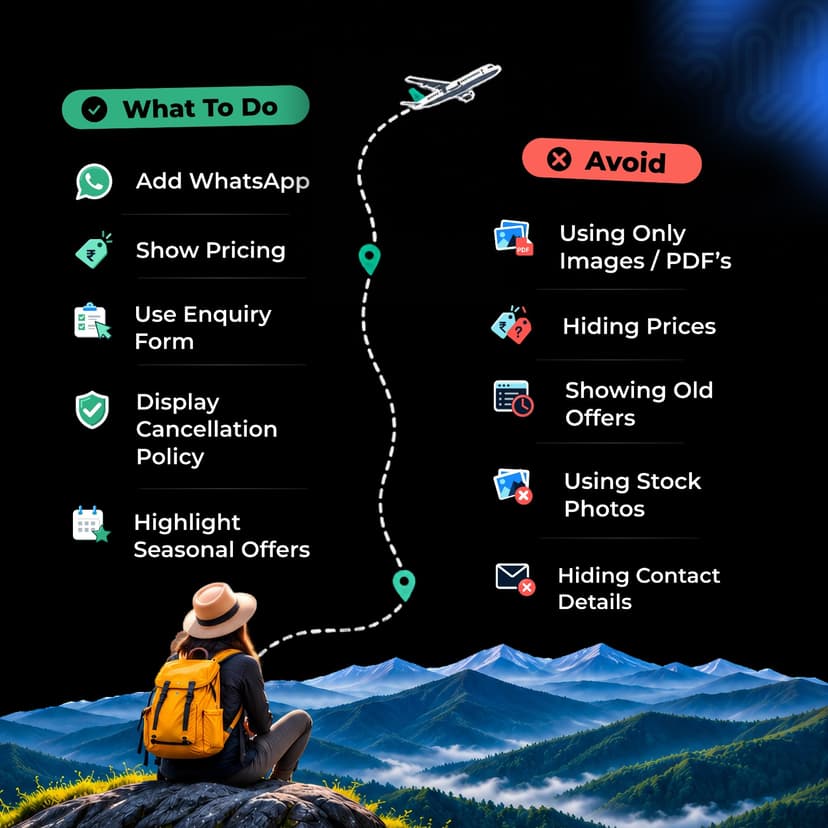
Features that turn visitors into enquiries: what to do and what to avoid on a travel website

Features that turn visitors into enquiries

  • A WhatsApp button on every page. Many travellers prefer chatting to filling in forms.
  • Clear prices. "Starting from ₹24,999 per person" gets more enquiries than "Contact us for price".
  • Simple enquiry forms. Ask only what you need to send a quote: dates, people, budget.
  • Cancellation and payment policy. Being upfront about advances and refunds builds trust.
  • Fast, mobile-friendly pages. Most travellers browse trips on their phone, often from a link someone shared.
  • Seasonal offers. A homepage banner for holiday, summer or festival packages, updated each season.

For Hajj and Umrah operators

Pilgrims and their families need extra reassurance. Show your licence or registration details, upcoming group departure dates, what each package includes (flights, hotel distance from the Haram, meals, guides), and photos from past groups. A clear, honest site matters more here than anywhere else.

Common mistakes to avoid

  • Packages only as images or PDFs on Instagram, which Google can't read
  • No prices anywhere, so visitors leave to compare elsewhere
  • Old offers still on the homepage from last season
  • Stock photos instead of real trip and customer photos
  • Hidden contact details, or a form that never gets a reply
Lepida, a ready travel website Figma template

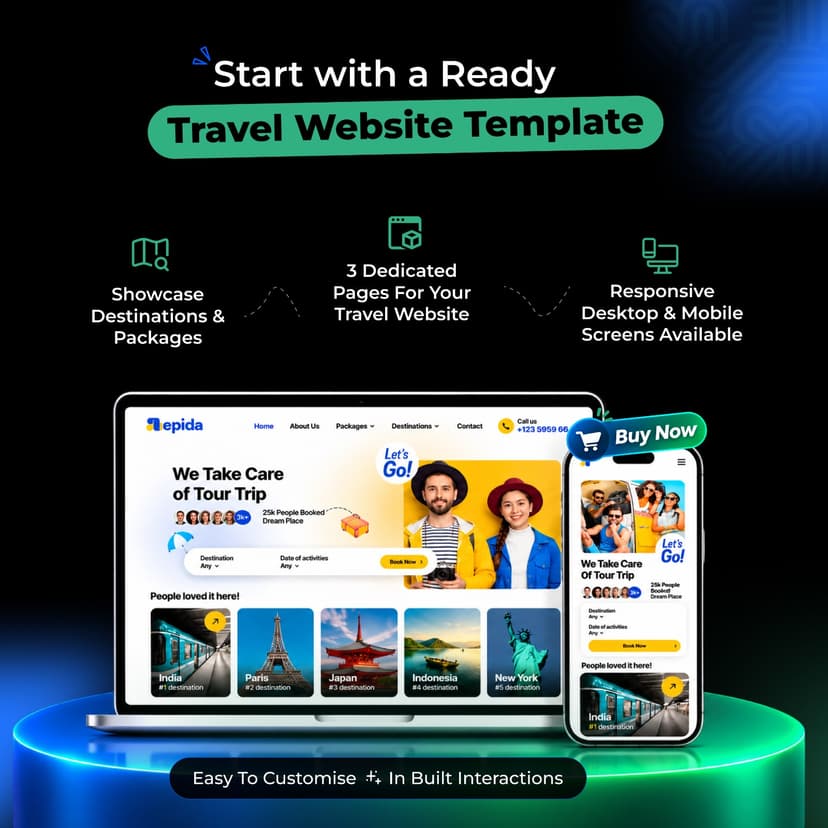
Start with a ready travel website template

Lepida is Coco Grid's Figma template for travel agencies and tour operators. It's designed around the structure above, so you don't start from a blank page.

  • Everything your travel website needs. A thoughtfully structured travel website template designed to showcase destinations, promote tour packages, and inspire travellers to plan their next trip.
  • Pages for the complete journey. Dedicated layouts for Home, Packages, Package Details, Destinations, About, and Contact, helping visitors explore your offerings and find the right trip.
  • Itineraries and enquiries, designed in. Present day-by-day travel plans clearly and make it easier for potential customers to enquire about packages through a dedicated enquiry form.
  • Desktop and mobile, ready. Responsive desktop and mobile layouts built with Auto Layout for easier editing and a consistent experience across screen sizes.
  • Easy to make your own. Organised colour and typography styles let you apply your brand identity in one place without manually updating every element.
  • Ready for developer handoff. Built by CocoGrid, a team that develops client websites. The files are organised to support a smoother transition from design to development.

Get the travel template → Lepida - Crafted for Modern Travel - CG Marketplace | Professional Figma Templates

Launch your agency website in 5 steps

  1. Pick your 6–10 best-selling packages to start with
  2. Write a day-by-day itinerary and price for each
  3. Collect real photos from past trips and of your team
  4. Customise the template with your brand, packages and contact details
  5. Build it in Webflow or Framer, hand it to a developer, or ask Coco Grid to build it for you

FAQ

  1. Do I need online payments on my website?Not at the start. Most agencies take enquiries on the site and confirm bookings on call or WhatsApp. You can add payments later.
  2. How many packages should I list?Start with your best 6–10. A few complete, well-described packages beat dozens of half-finished ones.
  3. Can Coco Grid build the website for me?Yes. We can turn the template into a live, mobile-friendly site with your packages. Contact Us - CG Marketplace | Professional Figma Templates
Let’s Connect

“ Looking for a creative partner? Let’s connect and bring your ideas to life! ”

CONNECT.CREATE.ELEVATE