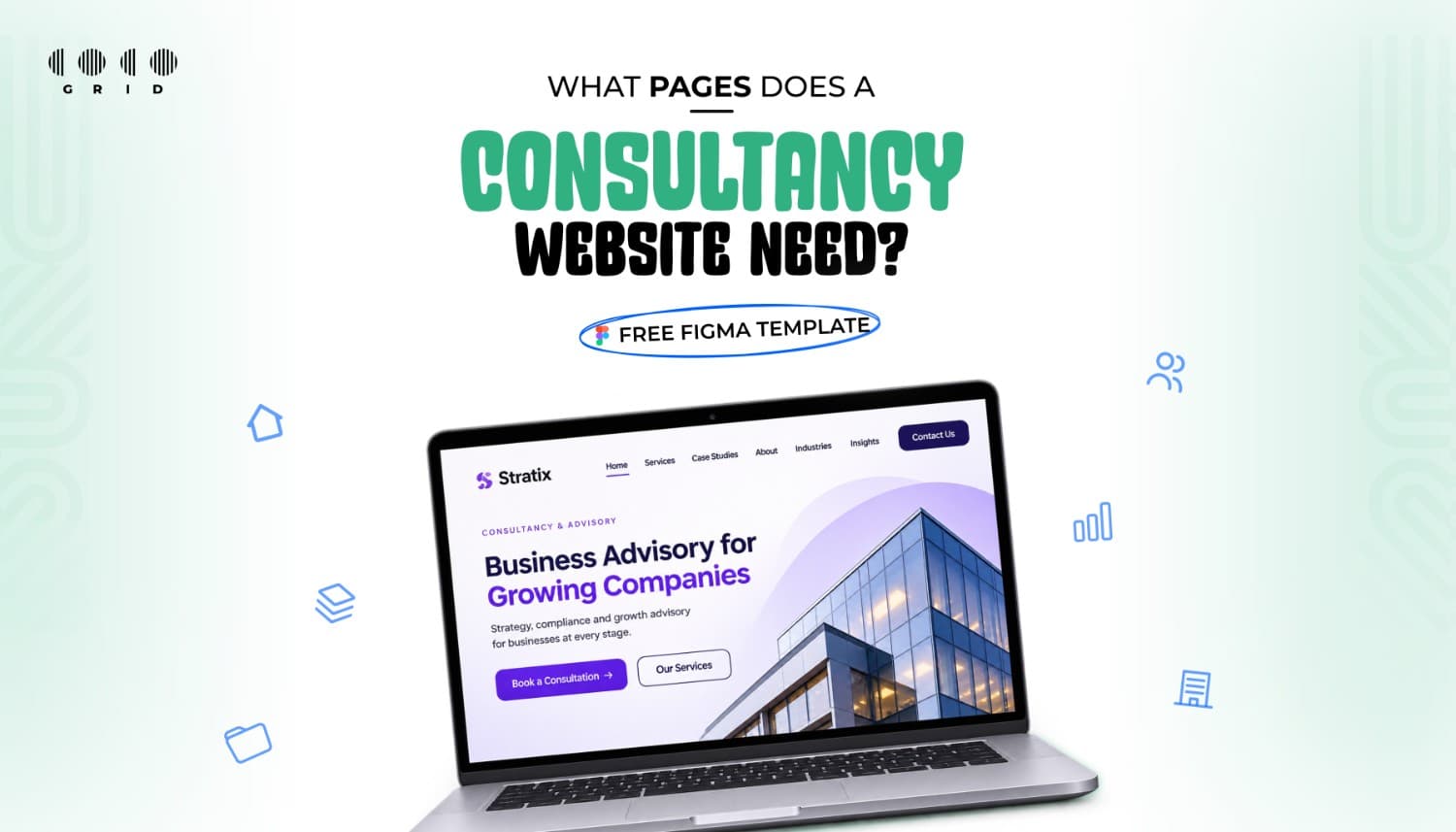
Before a business calls a consultant, CA or advisory firm, it looks at their website. In a few seconds it decides whether you look established, whether you understand its problem and how to reach you. Most consultancy sites lose that moment because a key page is missing or buried.Here are the seven pages every consultancy website needs, what goes on each, and a free Figma template, Axion, that already has them laid out.
1. Home: say who you help in one line
Your homepage is a signpost, not a brochure. A visitor should understand three things before scrolling:
- Who you help – e.g. "Tax and compliance for growing businesses in Karnataka"
- What you do – your 3–4 core services, linked to their pages
- What to do next – one clear button: "Book a consultation"
Add one line of proof near the top: years in practice, number of clients served or a short client quote.2. Services: one section per problem you solve
Clients don't search for "advisory services". They search for their problem. Give each service its own block or page with:
- The problem it solves, in the client's words
- How you approach it, in 3–4 steps
- What the client gets at the end
- A button to enquire about that service
3. Case studies or results
This is the page that wins work. Even two or three short stories are enough: the client's situation, what you did and the outcome. A number helps ("cut filing time from 3 weeks to 4 days"). If client names are confidential, describe the industry and size instead.
4. About and team
People hire people. Show real photos of the team, qualifications and memberships, and a few lines on why the firm exists. Skip the stock handshake photos; they make a firm look generic.
5. Industries you serve
A short page listing the sectors you know well, such as manufacturing, retail, healthcare or startups. It tells visitors "we've done this before" and helps you appear in more specific Google searches.
6. Insights (optional, but powerful)
A few articles that answer common client questions, like upcoming deadlines or regulation changes, show expertise and bring in search traffic. Even one useful post a month builds up over a year.
7. Contact: make it effortless
Include a short form (name, company, what they need), phone and WhatsApp, office address with a map, working hours, and how quickly you reply. Put a contact button in the header of every page.
Trust signals to add across the site
- Client testimonials (with permission)
- Logos of clients or partners you're allowed to show
- Certifications and professional memberships
- A short FAQ on fees, process and timelines
Common mistakes to avoid
- Jargon-heavy copy that describes you instead of the client's problem
- No clear next step on each page
- A desktop-only layout – many clients first open your link on a phone
- Out-of-date team photos, addresses or phone numbers
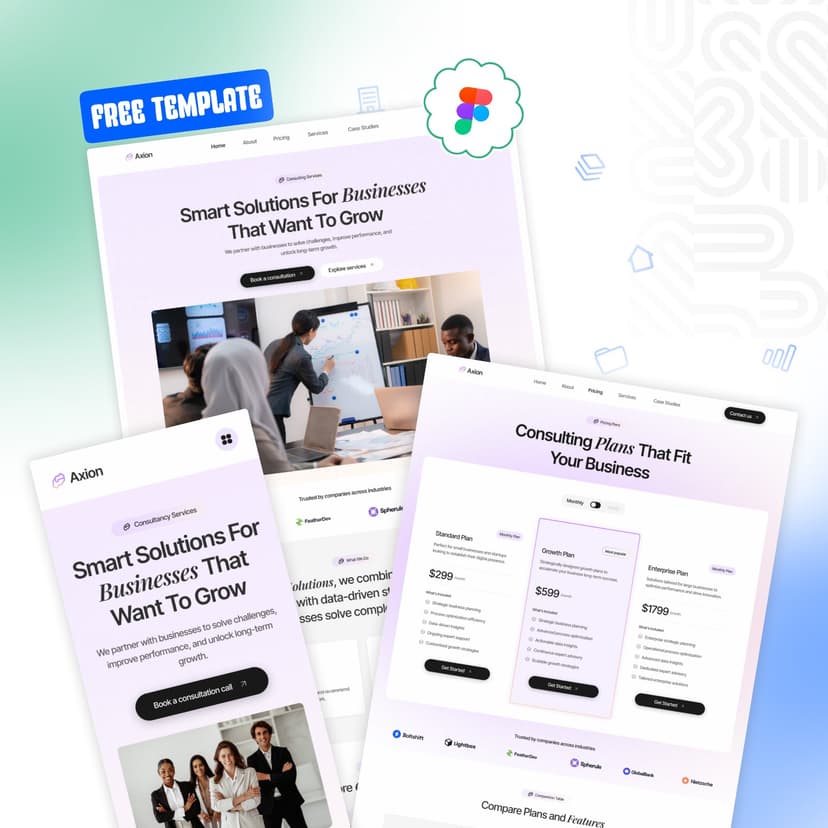
Start faster with Axion, a free Figma template
Axion is Coco Grid's consultancy website template, designed around exactly this structure: services, case studies, team, industries and contact. It's free to download, so you can see how your firm would look before spending anything.
- Everything you need to get started. A professional consultancy website structure designed to showcase your services, communicate your expertise, and turn visitors into potential clients
- Pages built for business. Dedicated space to present your consultancy, highlight your services, build credibility, and help prospective clients get in touch.
- Desktop and mobile, ready. Responsive desktop and mobile layouts, organized with Auto Layout for easier editing and a smoother design workflow.
- Easy to make your own. Customize colors and typography in one place using organized styles, making it simple to align the design with your brand identity.
- Designed with developers in mind. Built by Coco Grid, a team that develops client websites. The files are organized for a cleaner handoff and a smoother transition from design to development.
Download Axion free → 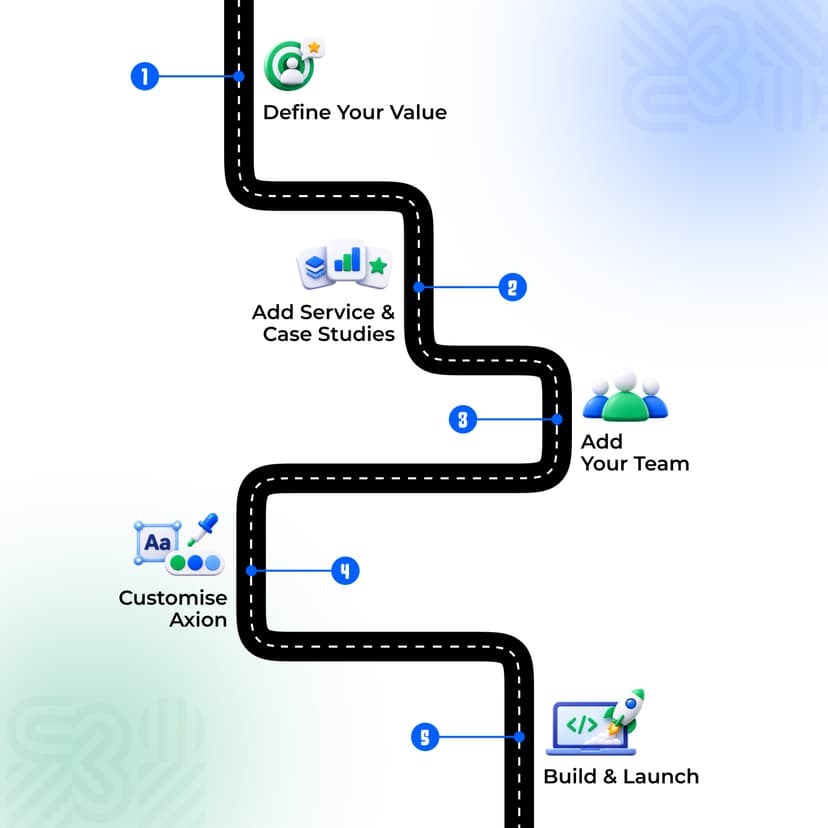
Launch your consultancy site in 5 steps
- Write one line on who you help and what you solve
- List your 3–4 core services and one case study for each
- Gather real photos of your team and office
- Customise Axion with your brand colours, fonts and content
- Build it in Webflow or Framer, hand it to a developer, or ask Coco Grid to build it for you
Frequently Asked Questions
- Do I need all seven pages on day one?No. Start with Home, Services, About and Contact. Add case studies and insights as you collect them.
- Is Axion only for CA firms?No. It suits any professional services firm: business, tax, legal, HR or management consultants.
- Is Axion really free?Yes.
- Can Coco Grid build the website for me?Yes. We can turn Axion into a live, mobile-friendly site for your firm. Contact Us - CG Marketplace | Professional Figma Templates
Ready to build your firm's website?
A clear, professional website is now part of how clients judge a firm. Start with the right structure and spend your time on what you do best.
Get Axion free on Coco Grid Marketplace → ·
Browse all templates