You are currently browsing in offline mode.

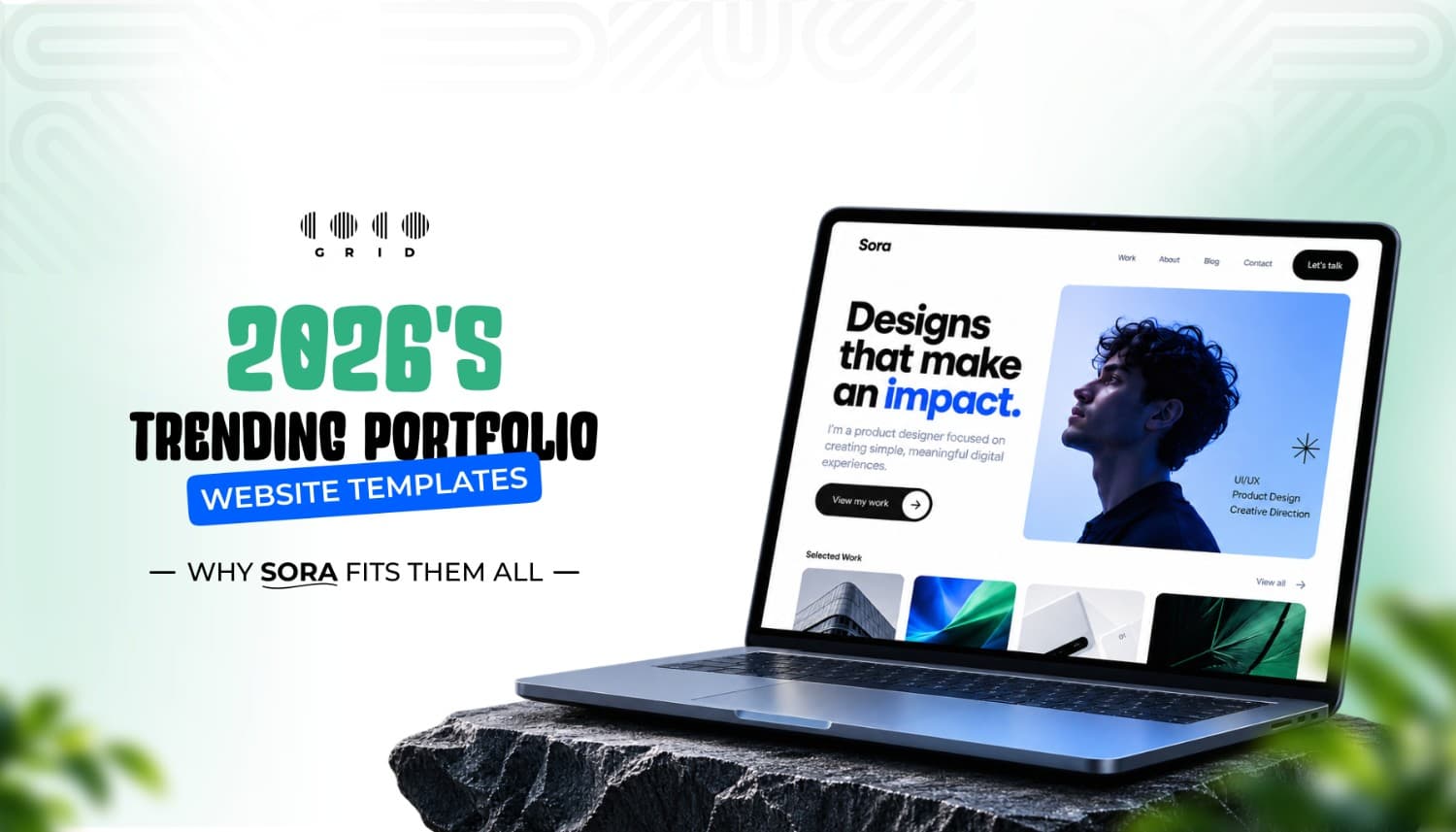
2026's Trending Portfolio Website Templates (and Why Sora Fits Them All)

5 min read

 . 

By Admin

Portfolio design trends for 2026 and the Sora portfolio template
Your portfolio is often the first thing a client, recruiter or art director sees, and in 2026 they decide in seconds. A PDF or an Instagram grid no longer does the job: people expect a fast, personal website that shows how you think, not just what you made.

The good news is you don't have to design one from a blank canvas. In this post we break down the portfolio design trends that matter this year, what to look for in a template, and how to launch your own site in a weekend with Sora, our creative portfolio template.

7 portfolio design trends for 2026

7 portfolio design trends for 2026

This year builds on what worked before rather than reinventing the web, according to IONOS's 2026 web design trends guide. Here is how those trends play out on portfolio sites.

  1. Bold, oversized typography. Big headlines that fill the first screen are still everywhere. On a portfolio, your name or a one-line positioning statement in large type does more than a hero image ever could.
  2. Case studies told as a story. Scroll-driven layouts and subtle parallax turn a project into a journey: the brief, the process, the result. Clients hire your thinking, so show it.
  3. Purposeful micro-interactions. Small hover effects and button responses make a site feel crafted. The rule for 2026 is restraint: motion should guide the eye, not slow the page.
  1. Short videos with real value. A 30–60 second clip of a prototype or a process time-lapse explains more than five static screenshots.
  2. Authentic visuals over stock. Real work, real photos of you and your workspace, and honest project imagery build trust that polished stock images can't.
  3. Dark mode and restrained colour. Dark, two-tone or near-monochrome palettes let the work be the colour on the page.
  4. Fast, accessible and mobile-first by default. Good contrast, readable type, alt text and quick loading aren't extras any more. Many recruiters open your link on their phone first.

What to look for in a portfolio template

A trendy look matters less than a template that is easy to make your own. Before you buy, check for these:
  • Desktop and mobile layouts designed together, not a desktop page that squeezes onto a phone.
  • Auto-layout and clean components, so swapping text and images doesn't break the design.
  • A proper case-study page, not just a gallery grid. This is where you win clients.
  • About and contact pages that make it easy to hire you.
  • Styles you can change in one place: colours, type and spacing set as variables.
  • Developer-friendly structure, so handing it to a developer or rebuilding it in Webflow or Framer is straightforward.
Meet Sora: a portfolio template built for 2026

Meet Sora: a portfolio template built for 2026

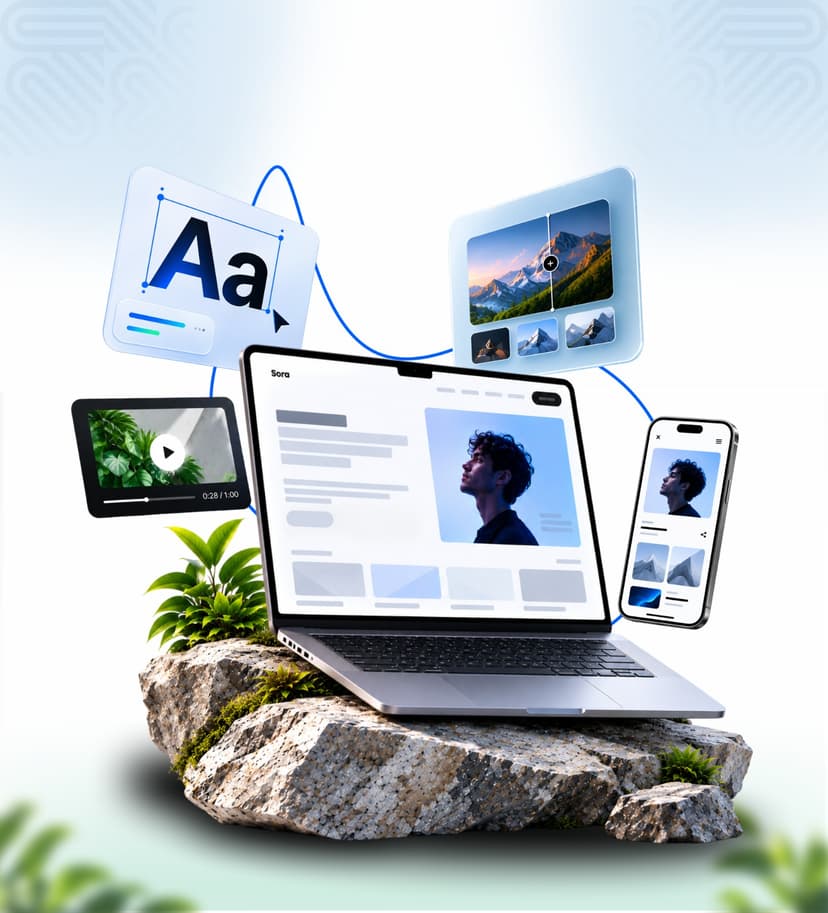
Sora is Coco Grid's Figma template for designers, photographers, illustrators and studios who want their work to lead. It follows the trends above without chasing gimmicks.

  • Typography that introduces you. Make a memorable first impression with Sora’s bold typography and modern hero layout, designed to showcase your name, role, and creative identity.
  • Room for real case studies. Present your best work with dedicated space for projects, detailed case studies, an about section, and contact information.
  • Desktop and mobile, ready. Responsive layouts help your portfolio look polished across desktop and mobile screens, with organized components for easier editing.
  • Made by a dev team. Coco Grid builds websites for clients, so our files are organised the way developers like to receive them.

See Sora's live preview and get the file →

How to Launch Your Portfolio in a Weekend

  1. Pick 3–5 projects. Fewer, stronger case studies beat a long grid. Choose the work that matches the clients you want next.
  2. Write one line about yourself. What you do and who you do it for, in under 12 words. It goes in Sora's hero.
  3. Apply your brand. Set your colours and fonts once in the styles, and the whole file updates.
  4. Build each case study. Brief, your process, the final result and one number or quote if you have it.
  5. Check the mobile view. Most first visits come from a phone link in a chat or email.
  6. Go live. Rebuild it in Webflow or Framer yourself, hand the file to a developer, or ask Coco Grid to build it for you.

Frequently Asked Questions

  1. Do I need to know how to code?No. You edit Sora in Figma. To put it online, rebuild it in a no-code tool like Webflow or Framer, or hand it to a developer.
  2. Can I use Sora for client work?Absolutely! Sora comes with a commercial licence that lets you customise and use the template for unlimited personal, business, and client projects. Freelancers and agencies can use it for multiple clients without purchasing additional licences. You can deliver completed projects to clients, but you cannot resell or redistribute the original template files as a standalone product. Third-party assets may have separate licensing requirements.
  3. Is it good for photographers and illustrators, not just UI designers?Yes. The layout is built around large visuals, so any visual work fits.
  4. How much does it cost?Sora is available for a one-time payment of ₹899. Your purchase includes a perpetual commercial-use licence, with no recurring subscription fees.
Let’s Connect

“ Looking for a creative partner? Let’s connect and bring your ideas to life! ”

CONNECT.CREATE.ELEVATE